
How to Make a ChatGPT Email Sound More Professional
A professional email does not need more polish. It needs a clear ask, enough context, and a tone that sounds like a person who knows what they need.
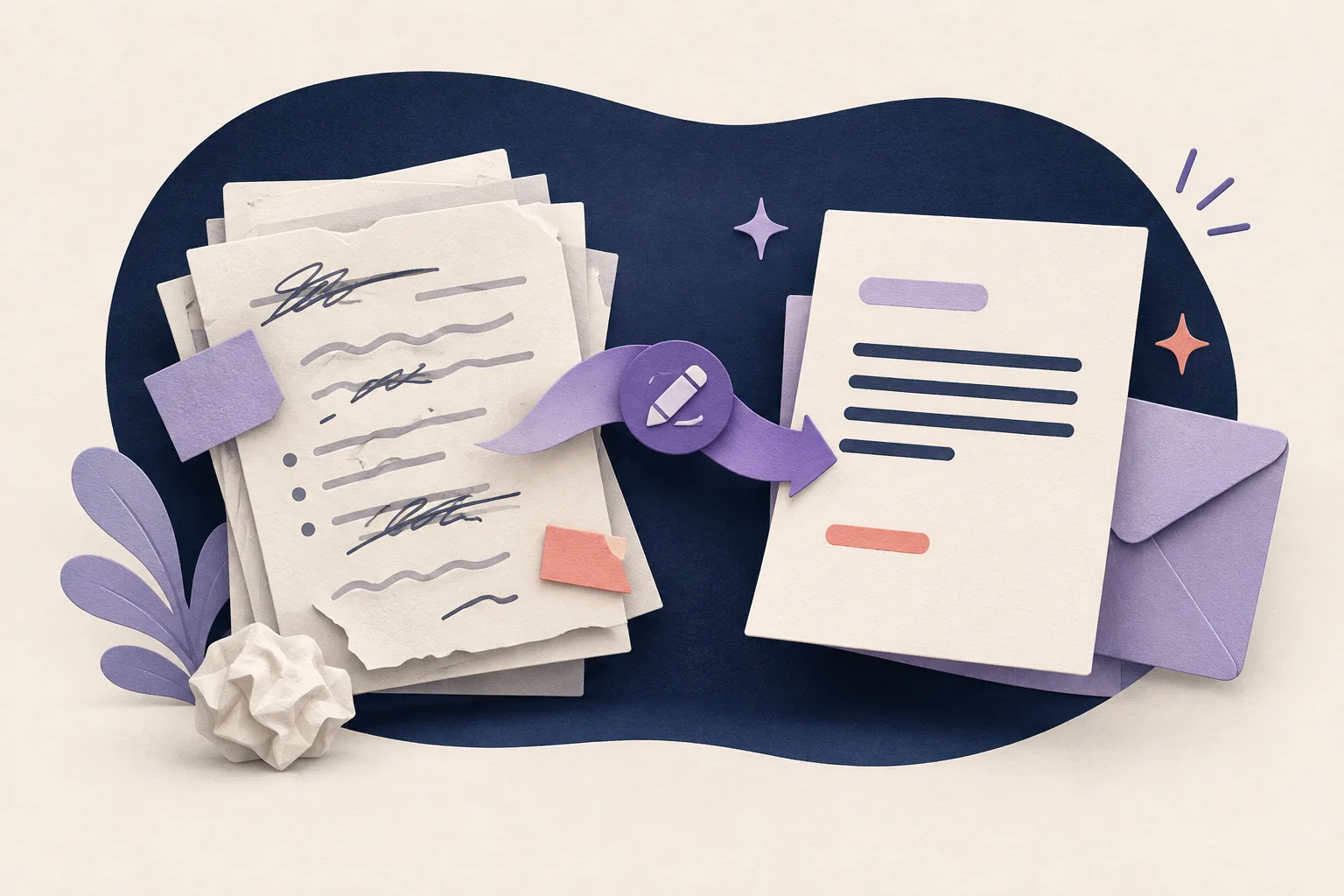
Start with the recipient's job
Before you edit the wording, decide what the reader must do: approve a change, answer a question, choose a time, or review an attachment. Put that action near the top of the email.
ChatGPT often adds a smooth introduction before the request. That introduction may sound polite, but it delays the useful part. Give the reader a clear path through the message.
Cut the phrases that add no information
Phrases such as "I hope this email finds you well" and "I am writing to kindly request" are not always wrong. They become a problem when they appear in every message and push the request down the page.
Try deleting the opening and reading the next sentence. If the email still feels respectful, keep the shorter version. A direct request can be warmer than a long preamble because it respects the recipient's time.
Add the context only the recipient needs
A good email gives enough context to make a decision. Add the project name, deadline, relevant change, or reason for the request. Remove background that the recipient already knows or does not need.
Specific context also makes the email sound less generic. "Could you review the May invoice by Thursday?" is easier to answer than "I would appreciate your valuable feedback at your earliest convenience."
Use a human level of formality
Professional does not mean ceremonial. Choose familiar words, keep the sentence structure simple, and match the relationship. A note to a professor, manager, client, or teammate may need a different greeting, but each can still be clear.
Read the message aloud. If you would never say a phrase in a respectful conversation, replace it with the way you would actually explain the point.
Run a final send check
Check the recipient, attachment, date, names, and requested action. Make sure the subject line matches the ask. Then remove the last sentence if it only repeats the first one.
Liltora can help with a mechanical editing pass. You still decide whether the tone fits the relationship and whether the message says exactly what you mean.
Questions, answered
Frequently asked questions
Short answers to the questions readers ask before they edit and publish.
How do I make a ChatGPT email sound less robotic?
Put the request first, replace broad formal phrases with concrete language, add the real context, and read the final email aloud.
Is an AI email writer useful for professional messages?
It can help with a first draft or a cleanup pass. Verify every fact, check the tone, and keep responsibility for the final message.
Should every professional email be short?
No. It should be as long as the decision requires. Remove repetition, not context that helps the recipient respond.
Ready to edit?
Keep the thought. Lose the drag.
Try Liltora on a draft, then make the final call with your own eyes.
Open the cleaner