
How to Use an AI Email Writer Without Sounding Like a Template
An AI email writer can help you get unstuck, but the first draft is only useful when it reflects a real request. Put the action, context, relationship, and next step back into the message before you send it.
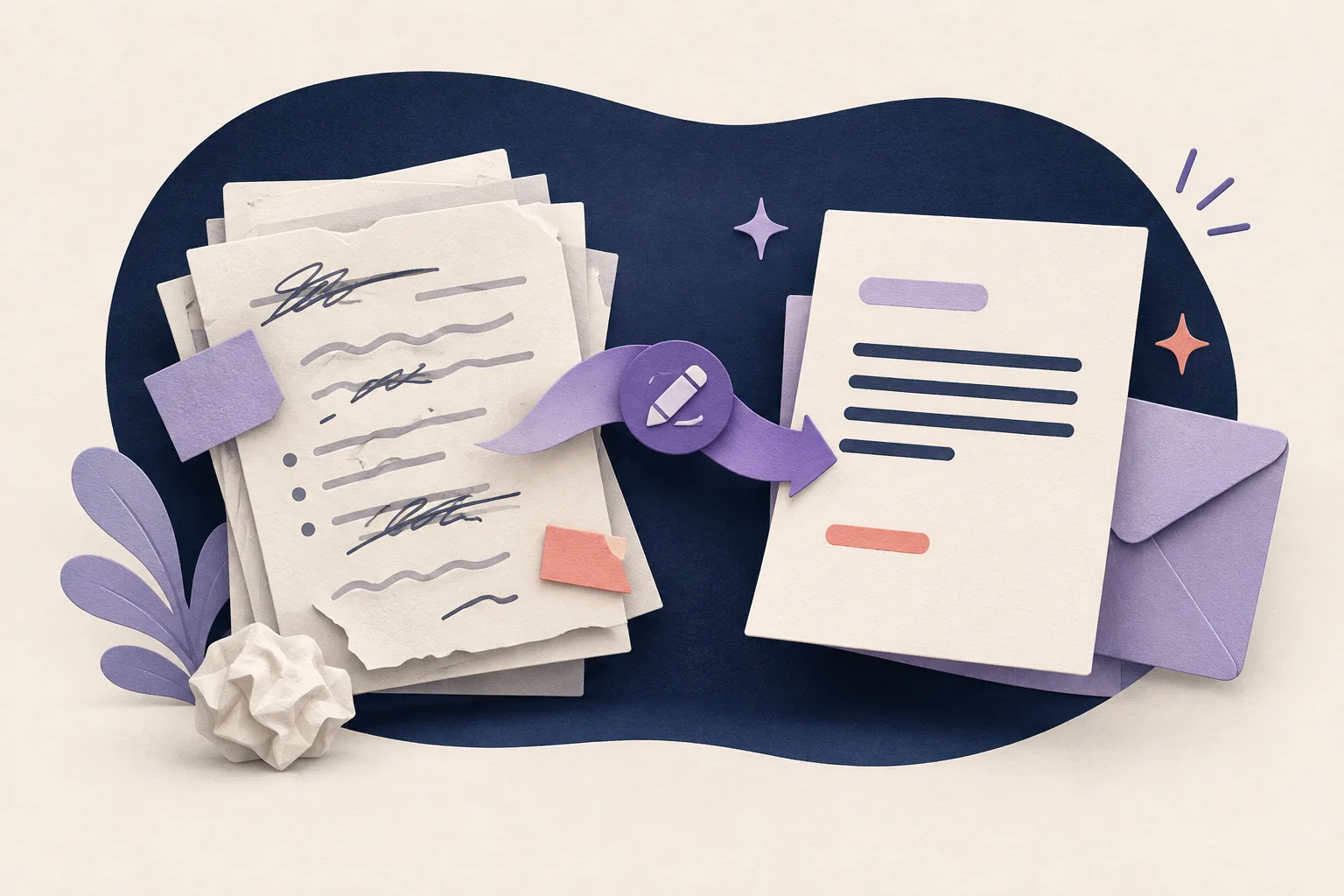
Write the outcome before the email
Decide what the recipient needs to do: approve a budget, answer a question, choose a time, review a file, or confirm that a task is complete. Write that outcome in one plain sentence before you ask for wording.
This keeps the tool from producing a long introduction that sounds polite but leaves the recipient wondering why you wrote.
Give the writer the context it cannot guess
Include the project, deadline, relationship, relevant history, and constraints. If the recipient already knows part of the background, say so. If a detail is sensitive, share only what is necessary and follow your organization's policy.
A useful prompt might describe a delayed invoice, the exact approval needed, and the date you want a decision. It does not need a paragraph of abstract instructions about sounding professional.
Put the ask near the top
Busy readers should not need to read to the end to find the request. Start with the action, then add the reason and supporting detail. Number separate questions when you need more than one answer.
For example: Could you approve the revised schedule by Thursday? The change moves the review meeting to 3 October and gives the design team two extra days. That is easier to answer than a paragraph of ceremony followed by a hidden request.
Match the relationship
An email to a teammate, client, professor, manager, or new contact should not use the same level of formality. Professional writing uses respect and precision, not identical greetings and inflated vocabulary.
Read the draft aloud. Replace any phrase you would never use in a respectful conversation. Keep warmth when it helps the relationship, but make it specific to the situation.
Check the details the tool may smooth over
Review names, dates, figures, links, attachments, owners, and promises. AI can turn a tentative plan into a confident statement or move a deadline while making the sentence sound better.
Before sending, ask who is responsible for the next step and when it happens. A clear email is a small project plan, not only a block of polished text.
Use the final edit to sound like yourself
Delete repeated openings, empty intensifiers, and sign-offs that add no warmth. Keep the sentence that shows you understand the recipient's actual situation.
Liltora can help reduce repetitive phrasing in a draft. You make the final call about the relationship, the facts, and whether the message is ready to send.
Questions, answered
Frequently asked questions
Short answers to the questions readers ask before they edit and publish.
Is an AI email writer useful for professional messages?
Yes, for a first draft or a focused editing pass. Give it the real purpose and context, verify every detail, and review the tone before sending.
How do I stop an AI email from sounding generic?
Put the actual request near the top, add concrete context, match the relationship, and remove phrases that could appear in any email.
Should an AI-written email be short?
It should be as long as the decision requires. Remove repetition, but keep the details the recipient needs to respond accurately.
Ready to edit?
Keep the thought. Lose the drag.
Try Liltora on a draft, then make the final call with your own eyes.
Open the cleaner