01↗
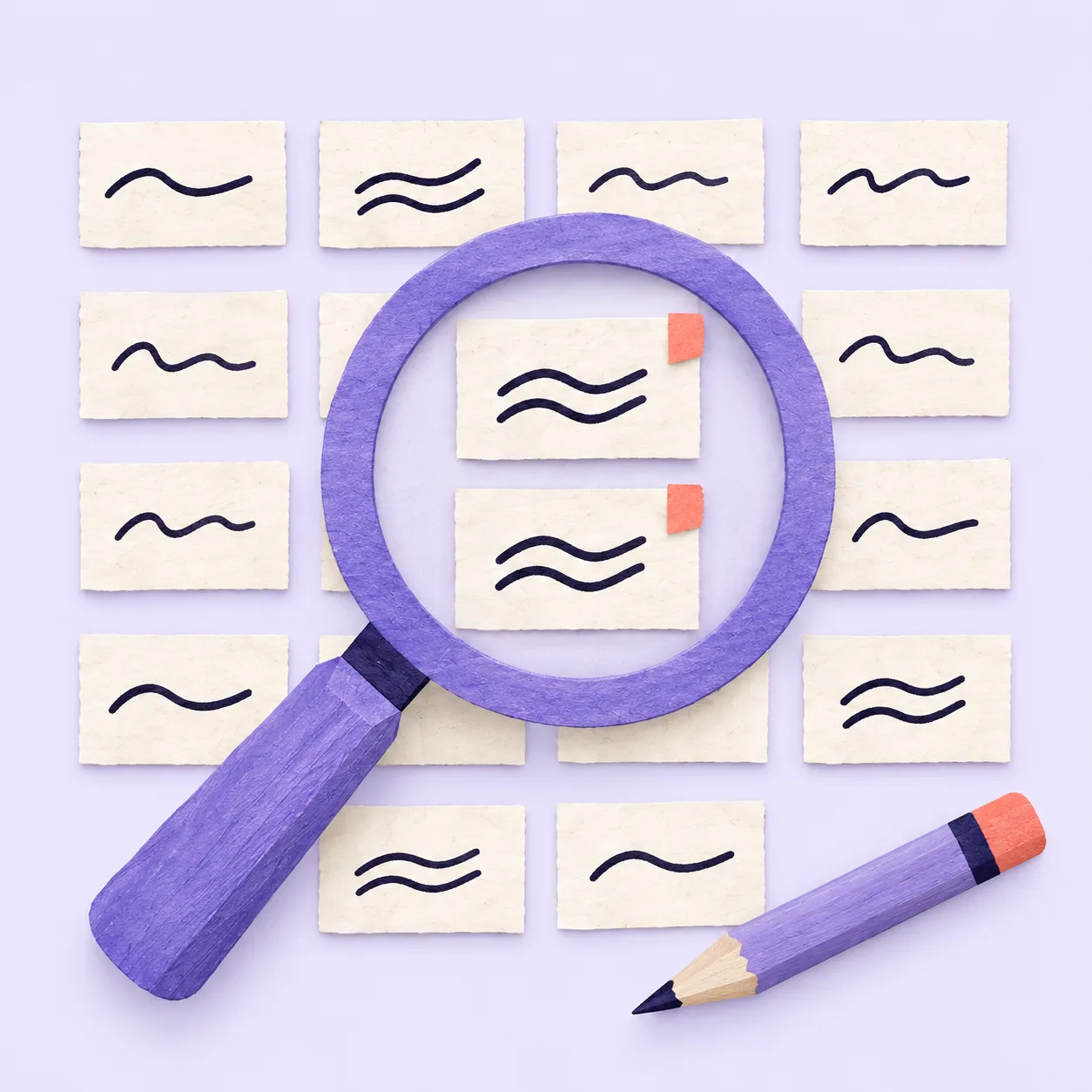
AI drafts have patterns
Repeated structures make a draft feel generated.
 liltoraTry it free
Remove formulaic phrases, repetition, filler, and overused formatting from AI-assisted drafts.
Clean your textYour draft is processed for this request and is not saved by Liltora. Do not paste passwords, API keys, or confidential data.
Repeated structures make a draft feel generated.
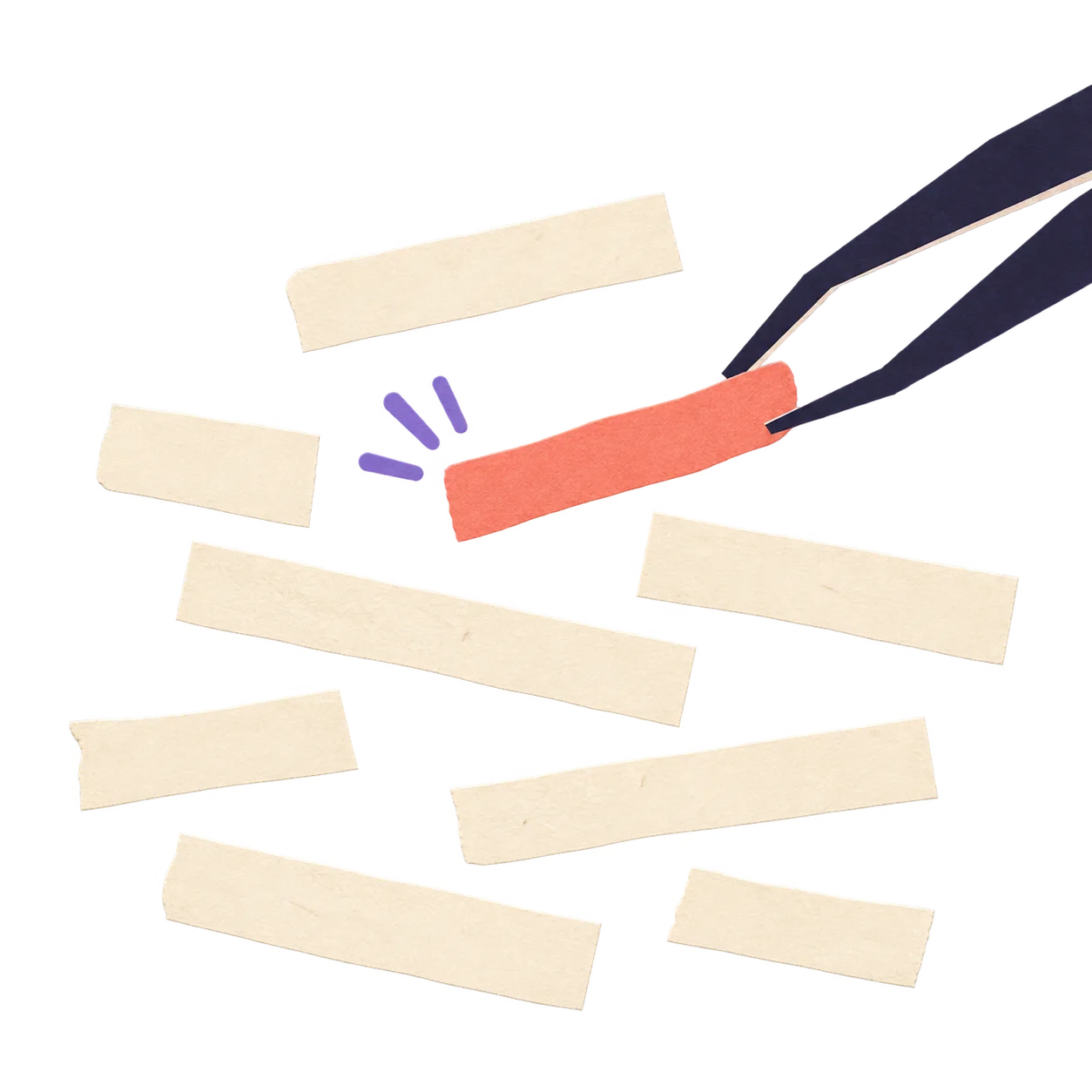
It rewrites only the parts that need attention.
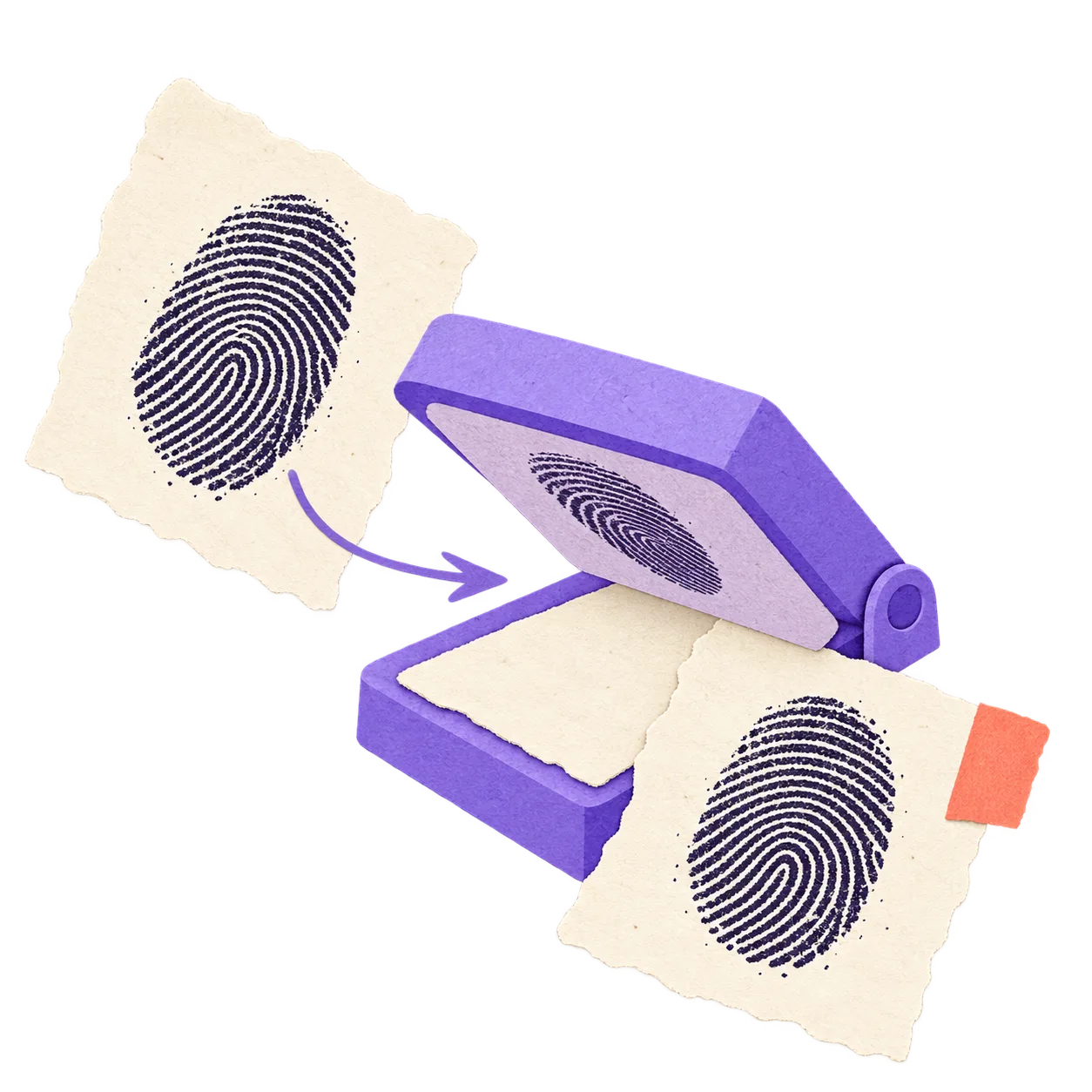
Facts, names, numbers, and citations are preserved.
What gets cleaned
Based on Wikipedia's field guide. Each pattern is a possible signal—not proof that text was AI-generated.
Inflated significance
The launch marks a pivotal moment in the evolving digital landscape.
Broad claims about importance, legacy, or wider trends without enough specific support.
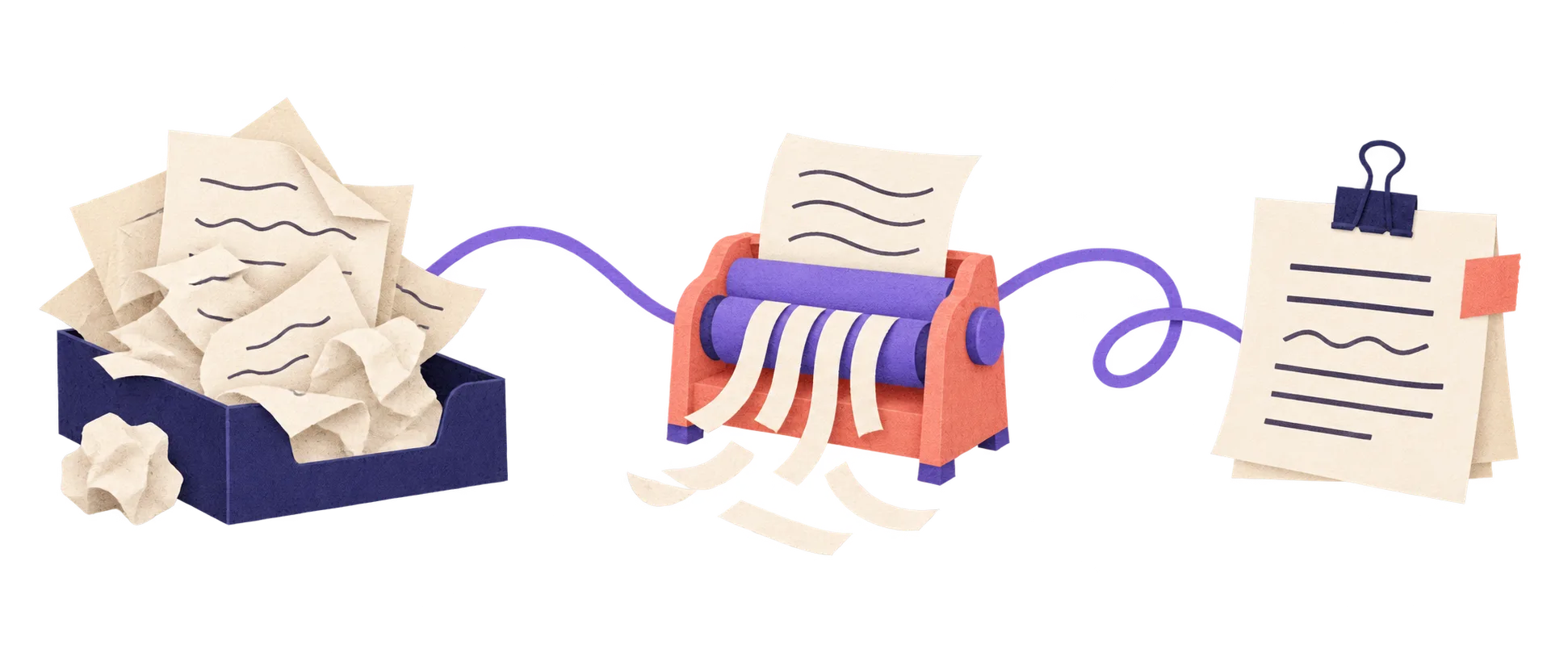
How it works
Use it anywhere
Start with a guide for the kind of writing you are doing, then try the cleaner on your own draft.