
For professional email
Make the email clear before you press send.
Use Liltora to tighten an AI-assisted email, keep the real request visible, and remove the phrases that make a short note feel over-written.
Students, managers, job seekers, and anyone who writes work email.
Try the cleaner free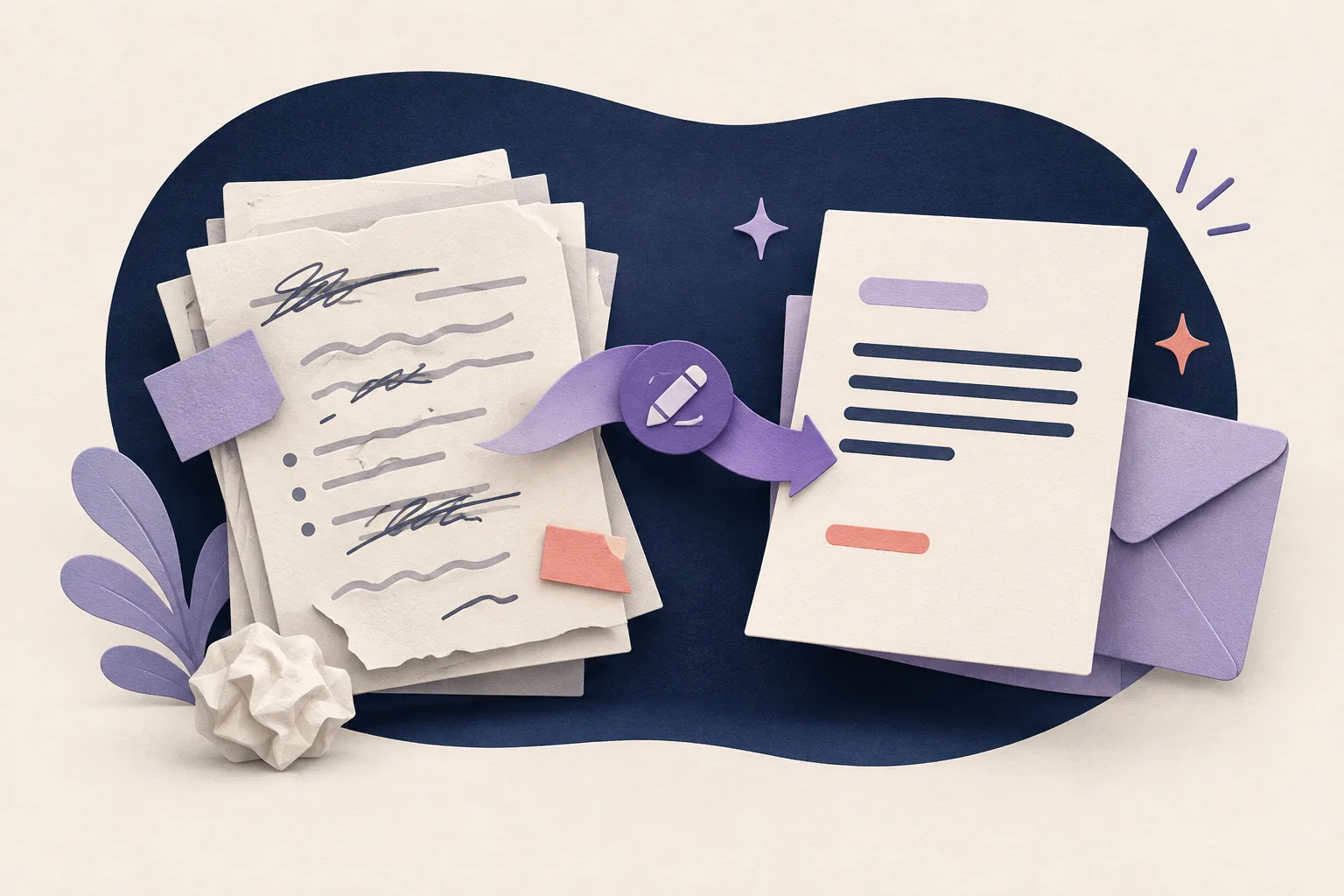
A professional email should sound prepared, not manufactured.
Put the request first
Open with the decision, question, or action you need. The recipient should not have to read a broad introduction to find the point.
Keep only useful context
Give the detail that helps the recipient answer. Remove repeated background, padded transitions, and a conclusion that only repeats the request.
Check the human details
Add the real deadline, name, reason, or constraint. Then read the result once for tone before you send it.
See the difference
Edit for the reader.
Before
I hope this message finds you well. I am writing to kindly request your valuable assistance regarding the attached document.
After
Could you review the attached document by Thursday?
The edit keeps the request and removes formal filler.
Before
Please do not hesitate to reach out should you require any additional information or clarification.
After
I can send more detail if you need it.
The second version is warm, direct, and easier to scan.
Try it with your draft
Paste. Clean. Review.
Use a short, non-confidential sample first. Liltora shows the detected patterns so you can make the final call.
Your draft is processed for this request and is not saved by Liltora. Do not paste passwords, API keys, or confidential data.
Questions, answered
Before you publish
Can Liltora write my whole email for me?
It is best used to edit a draft. You provide the facts, request, and relationship; Liltora helps remove common patterns and filler.
How do I make a ChatGPT email sound professional?
Keep the ask near the top, cut broad introductions, add the real context, and read the final version aloud. A professional tone is clear and specific, not extra formal.
Does Liltora save my email?
The cleaner is designed not to save drafts to its database. Do not paste passwords, API keys, or confidential information.