
What Is an AI Writing Assistant? How to Use One Without Losing Your Voice
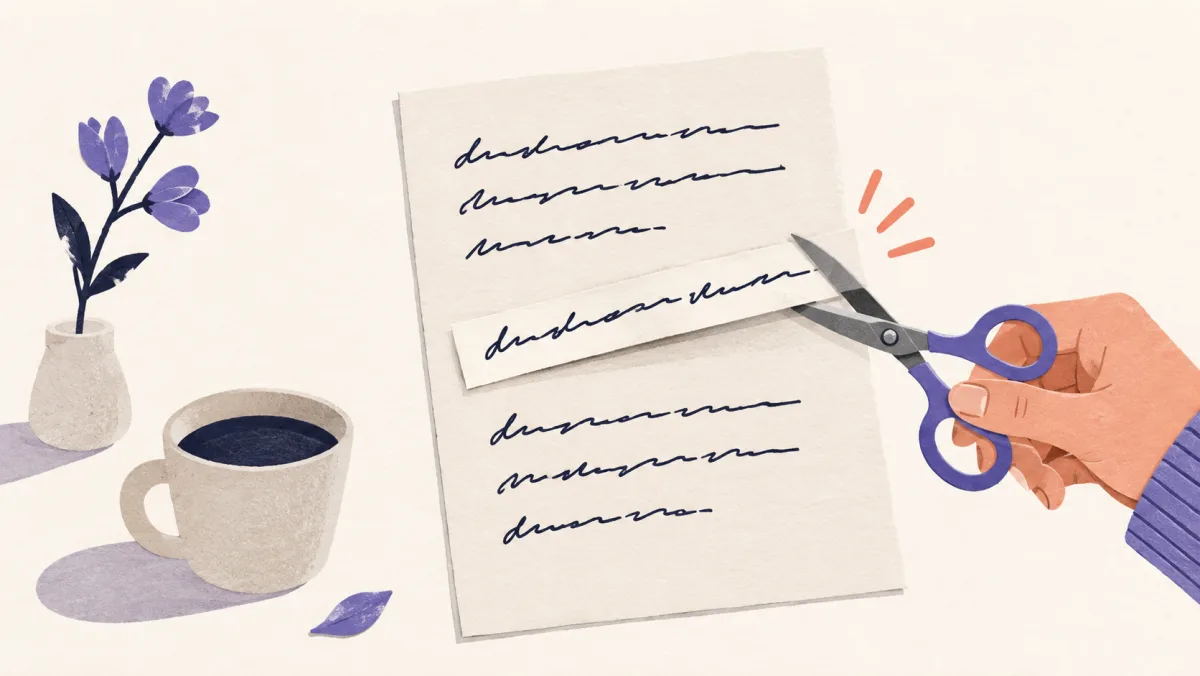
An AI writing assistant is most useful when it reduces friction around a draft without taking over the thinking. It can help you see repetition, clarify a sentence, or organize a revision. You still decide what is true and what sounds like you.
Start with the job, not the tool
Writing assistance can mean several different things: brainstorming, outlining, drafting, editing, checking grammar, or changing the tone of an existing passage. Name the job before you choose a feature. A tool that is good at generating ideas may be a poor fit for protecting the details in a finished email.
For a revision task, the useful question is simple: what is making this draft harder to read? The answer may be repetition, a buried request, an unclear paragraph, or a rhythm that feels too even.
Give the assistant material to work with
A blank prompt invites generic language. Your notes, rough draft, audience, purpose, and constraints give the assistant something real to preserve. Tell it what must stay: names, figures, links, quotations, deadlines, and the strength of the claim.
For example, instead of asking for a better project update, provide the actual result, the delay, the next owner, and the date. Specific inputs make it easier to produce a specific edit.
Ask for one kind of change at a time
A request such as make this perfect can mix structure, tone, grammar, length, and persuasion. The result may be smooth but difficult to review. Ask for a focused pass: remove repeated framing, shorten the opening, make the request explicit, or explain the unclear sentence.
Focused passes also make mistakes easier to catch. You can compare the version before and after and decide whether the change helped.
Keep the decisions that make the draft yours
An assistant can suggest wording, but it cannot own your judgment. Keep the sentence that explains why you chose an option, the limitation you noticed, or the detail that only someone close to the work would know.
Do not add personal stories, opinions, or certainty just because they make a paragraph sound more confident. If a detail is not true, it does not belong in the draft.
Use a two-pass review
First check meaning. Compare names, numbers, dates, links, quotations, and conditions with the source. Then check the writing: clarity, rhythm, repetition, and tone. This order prevents a polished sentence from hiding a changed claim.
Read the final version aloud. If the draft is clearer but does not sound like something you would say or send, make the last adjustment yourself. The assistant should reduce drag, not erase your voice.
Know when assistance is not appropriate
Do not use an assistant to invent evidence, imitate a real person's private voice, or bypass an academic or workplace rule. Check the policy that applies to the assignment, client, or organization.
The responsible standard is useful and accurate writing. If a tool makes it harder to explain your own work, step back and rebuild the passage from your notes.
Questions, answered
Frequently asked questions
Short answers to the questions readers ask before they edit and publish.
What is an AI writing assistant?
It is software that helps with writing tasks such as drafting, outlining, editing, summarizing, or checking language. The exact features vary, so define the job you need before choosing a tool.
Can an AI writing assistant keep my voice?
It can help preserve your voice when you provide a real draft, state the tone you want, and review every meaningful change. No tool can infer your full voice from one instruction.
Should I let an AI assistant rewrite everything?
Usually not. Smaller, focused passes are easier to verify and less likely to change your meaning, facts, or level of certainty.
Ready to edit?
Keep the thought. Lose the drag.
Try Liltora on a draft, then make the final call with your own eyes.
Open the cleaner